Better Sheets on YouTube
Watch with annotated transcripts: formulas, glossary terms, and related guides inline.
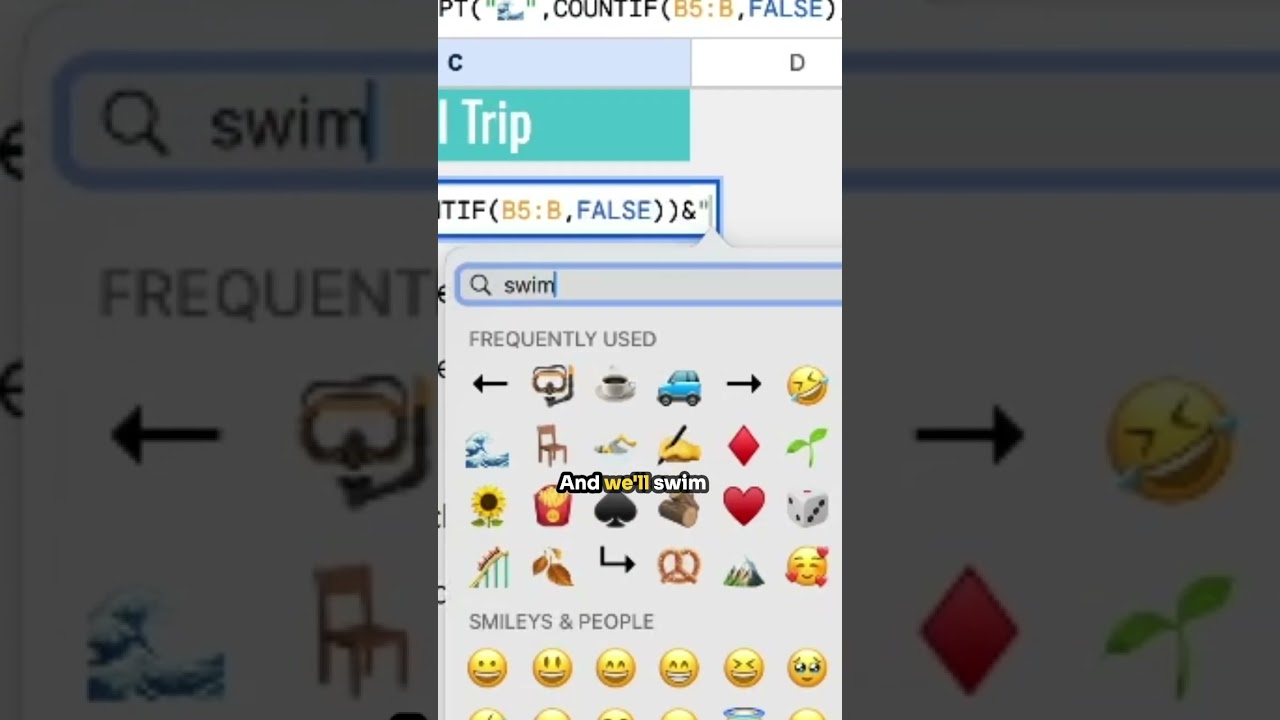
Snorkel Trip
Join us on an exciting snorkel trip as we explore how to use formulas like COUNTIF in Google Sheets to track our adventure.

How to Add a Series to a Google Sheet
Learn how to efficiently add a series of numbers to your Google Sheets using the SEQUENCE function and simple drag techniques. This video provides step-by-step instructions to automate ID generation for your data.
this guy Google Sheets #googlesheets
In this video, the creator shares a light-hearted perspective on using Google Sheets, emphasizing the enjoyment and simplicity of the tool.

WRONG ROUNDDOWN
In this video, learn why using ROUND and ROUNDDOWN in Google Sheets can lead to incorrect results when dealing with negative numbers, and discover how the INT function can provide a more accurate solution for rounding down debts.
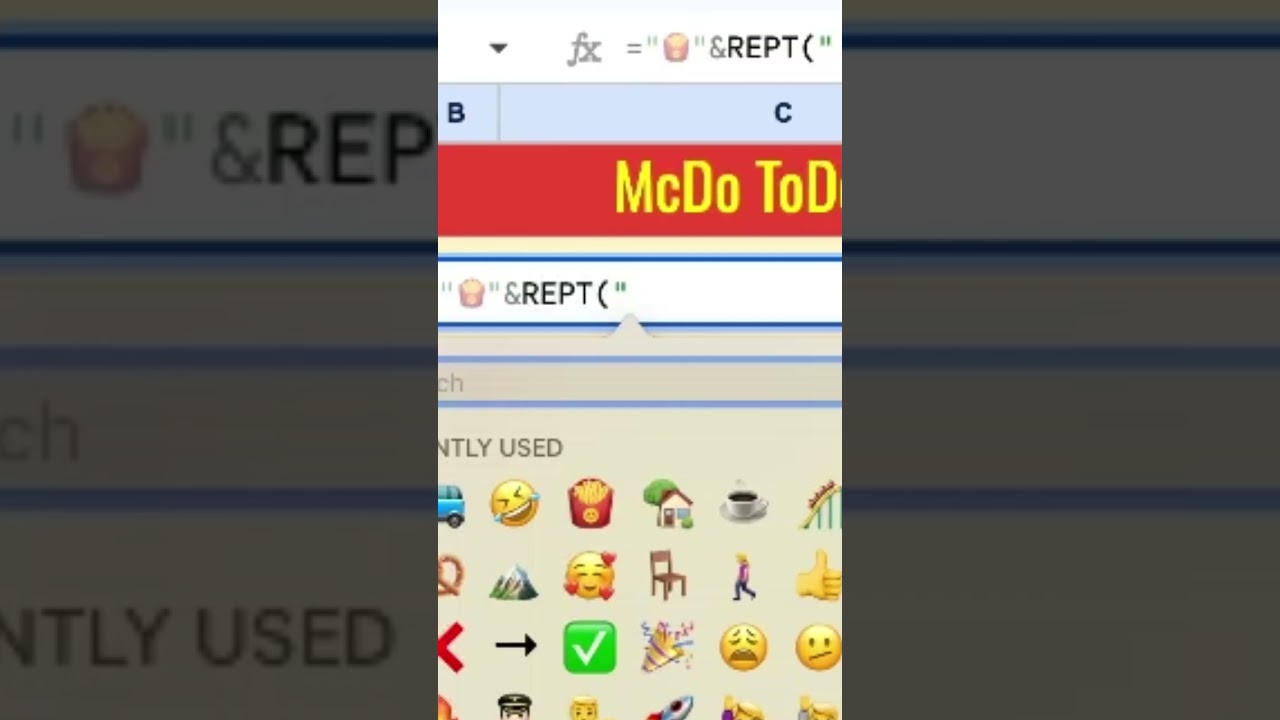
McDo To Do
In this video, learn how to use Excel functions to create a fun and engaging to-do list that brings you closer to your goals, like enjoying McDonald's.

Reusable Checklist Google Sheets
Learn how to create a reusable checklist in Google Sheets that automatically resets each day using Apps Script. This tutorial covers the necessary functions and triggers to streamline your task management.

Coffee Time Task List #spreadsheetmagic
In this video, we explore how to efficiently manage a task list in spreadsheets, making the process enjoyable as we countdown to coffee time.
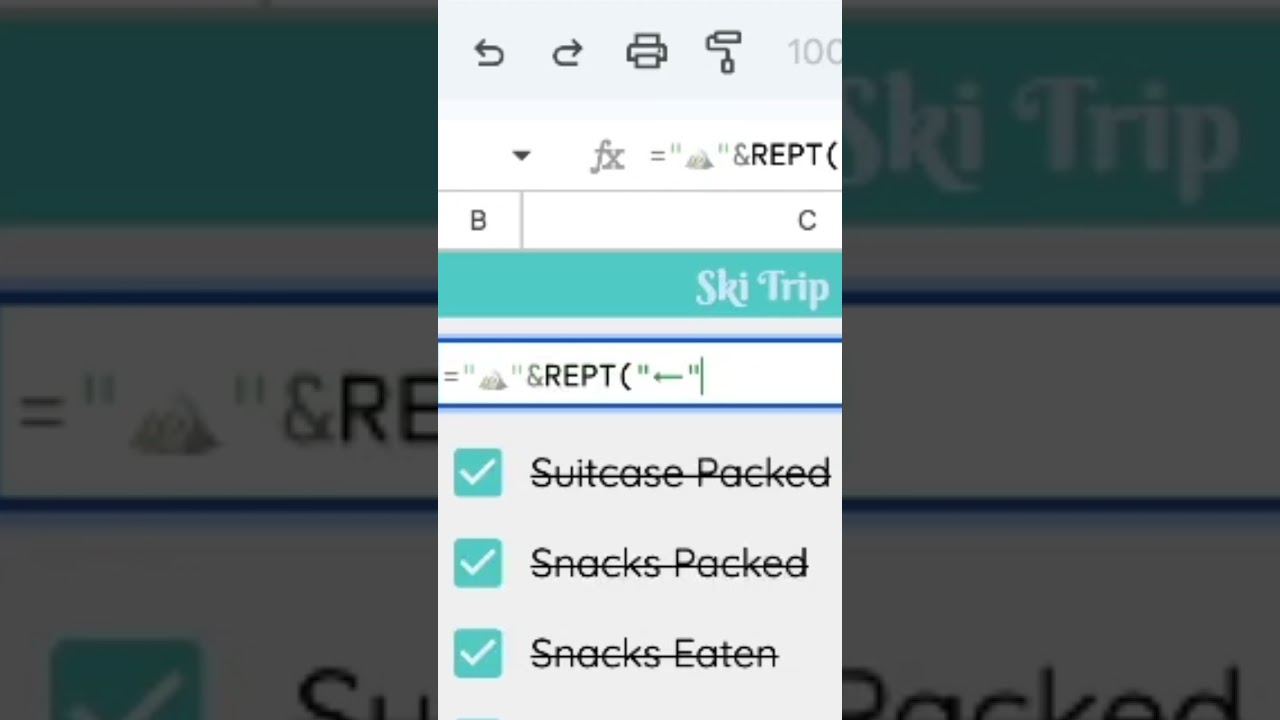
Ski Trip To Do
In this video, we explore how to organize and plan for a ski trip using a structured approach, including decision-making based on conditions in a spreadsheet.

Sync Calendar to Sheets
Learn how to sync your Google Calendar events directly into Google Sheets using a simple Apps Script. This tutorial walks you through creating a custom menu and functions to automate the process.
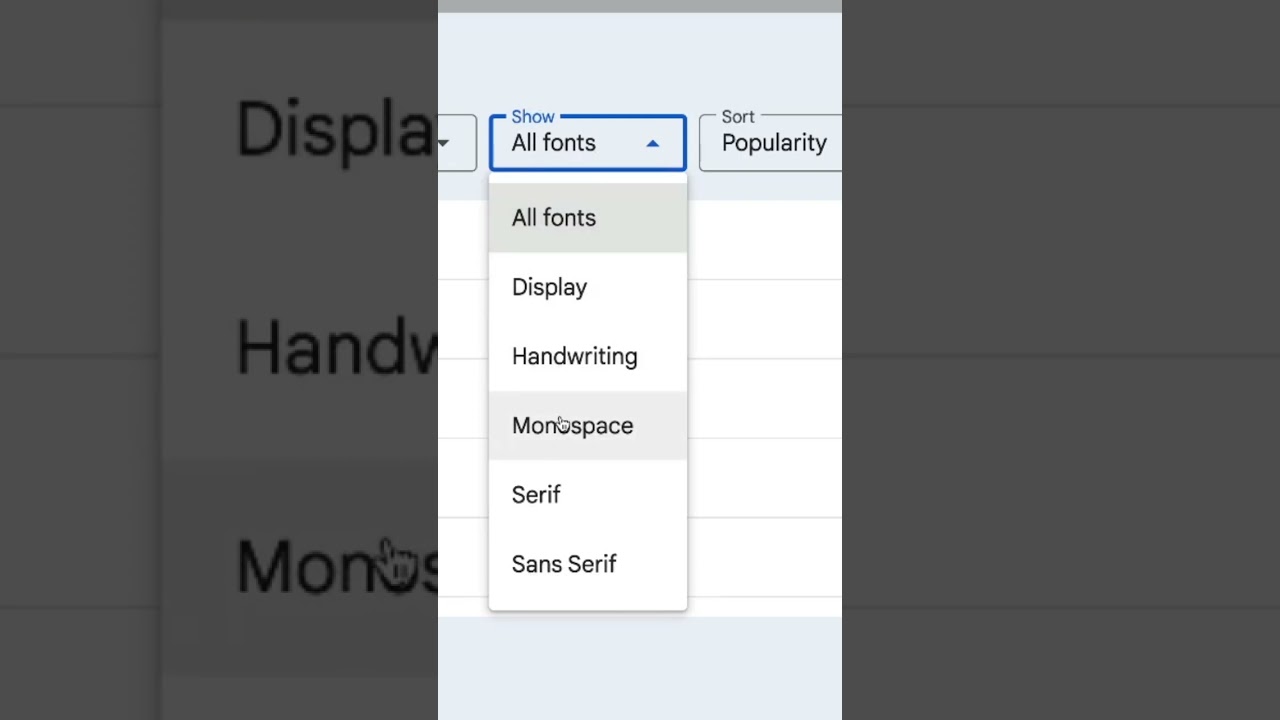
Why My Number Fonts Terrible?
Discover how to enhance the appearance of numbers in your spreadsheets by using monospace fonts for better clarity and distinction.

Magic Formula Combinations #googlesheets
Discover the magic of combining formulas in Google Sheets to unlock powerful functionalities that have been available for years. Learn how to create dynamic spreadsheets that respond intelligently to user input.

people chip email
Learn how to easily extract email addresses from people chips in Google Sheets with this simple method. This video demonstrates the straightforward process of referencing cells to get the desired information.

What is a Spreadsheet? Anatomy of a Spreadsheet
This video provides a comprehensive introduction to spreadsheets, covering their anatomy, including sheets, files, ranges, and essential tips for using Google Sheets effectively.
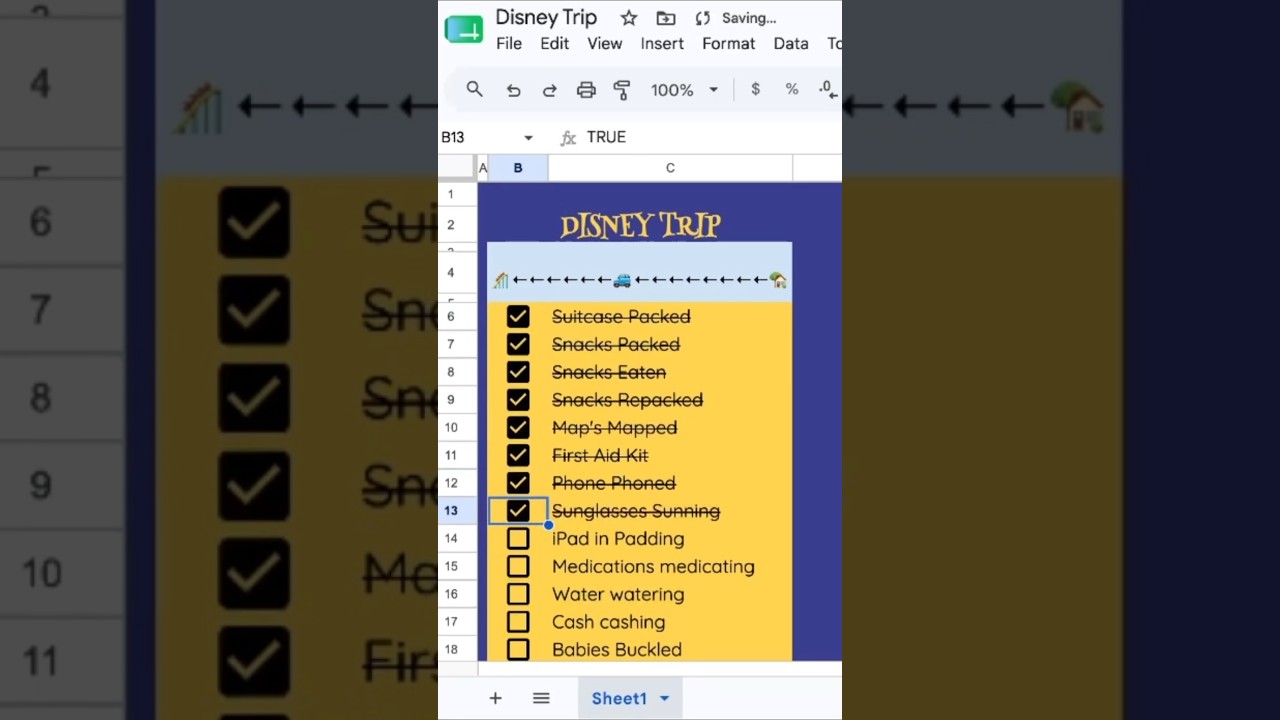
Disney Trip Planning
This video provides a fun and engaging guide to planning a Disney trip, focusing on how to efficiently check off tasks and manage your itinerary.

How to Insert Emojis in Google Sheets
Learn how to easily insert emojis into Google Sheets on both PC and Mac, adding a fun and personal touch to your spreadsheets.

How to Swap Cells in Google Sheets
Learn how to efficiently swap cells in Google Sheets using various methods, including keyboard shortcuts and mouse actions, without affecting other data.

VLOOKUP not working #googlesheets
Learn how to fix the common VLOOKUP error in Google Sheets that results in an NA response by properly fortifying your range with dollar signs.
VLOOKUP NOT WORKING, Getting #N A
Learn how to fix common VLOOKUP errors in Google Sheets, specifically the #N/A issue caused by incorrect range references. This video provides a simple solution to ensure your VLOOKUP formula works correctly.
Auto Capitalize in Google Sheets
Learn how to auto capitalize names in Google Sheets using formulas and Apps Script for seamless data entry. This video covers both manual and automatic methods to ensure your text is always properly formatted.

Coffee Tracker
Learn how to create a Coffee Tracker in Google Sheets that counts your daily coffee consumption using checkboxes and custom scripts.
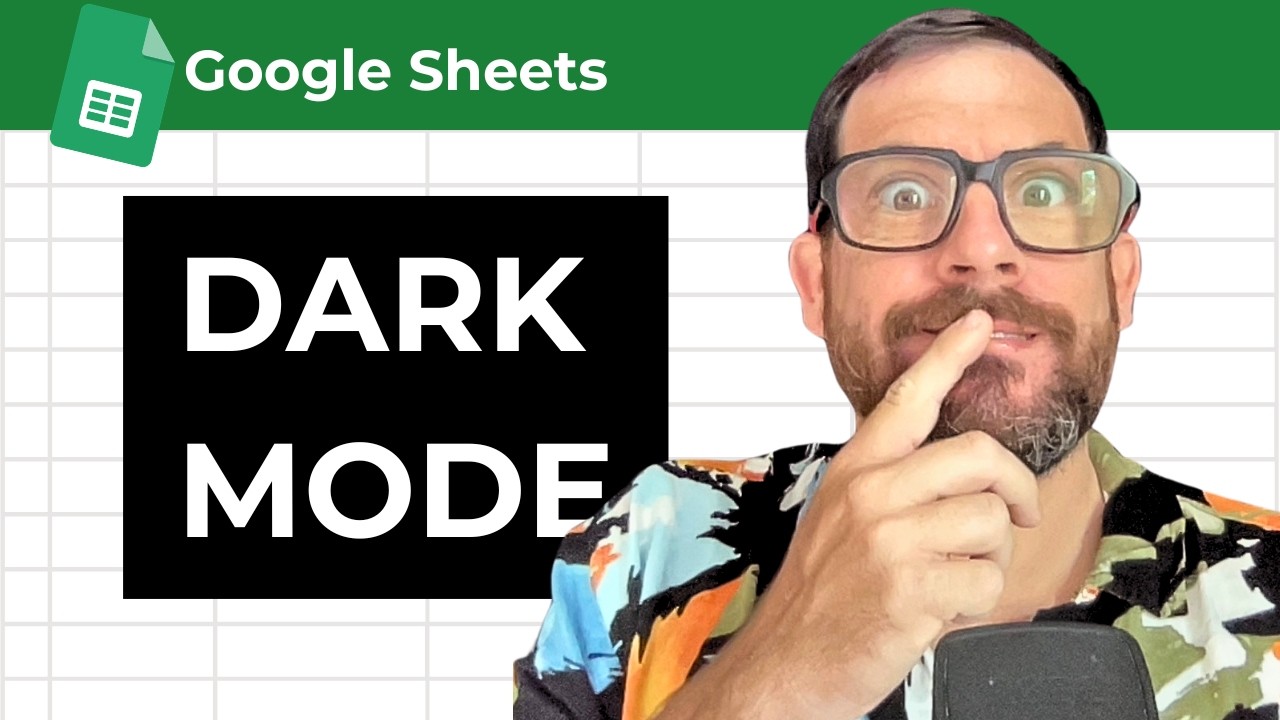
Does google sheets have dark mode
Learn how to enable dark mode in Google Sheets and customize your spreadsheet's appearance with this simple guide. Discover a hidden Chrome feature that enhances your experience on both mobile and desktop.
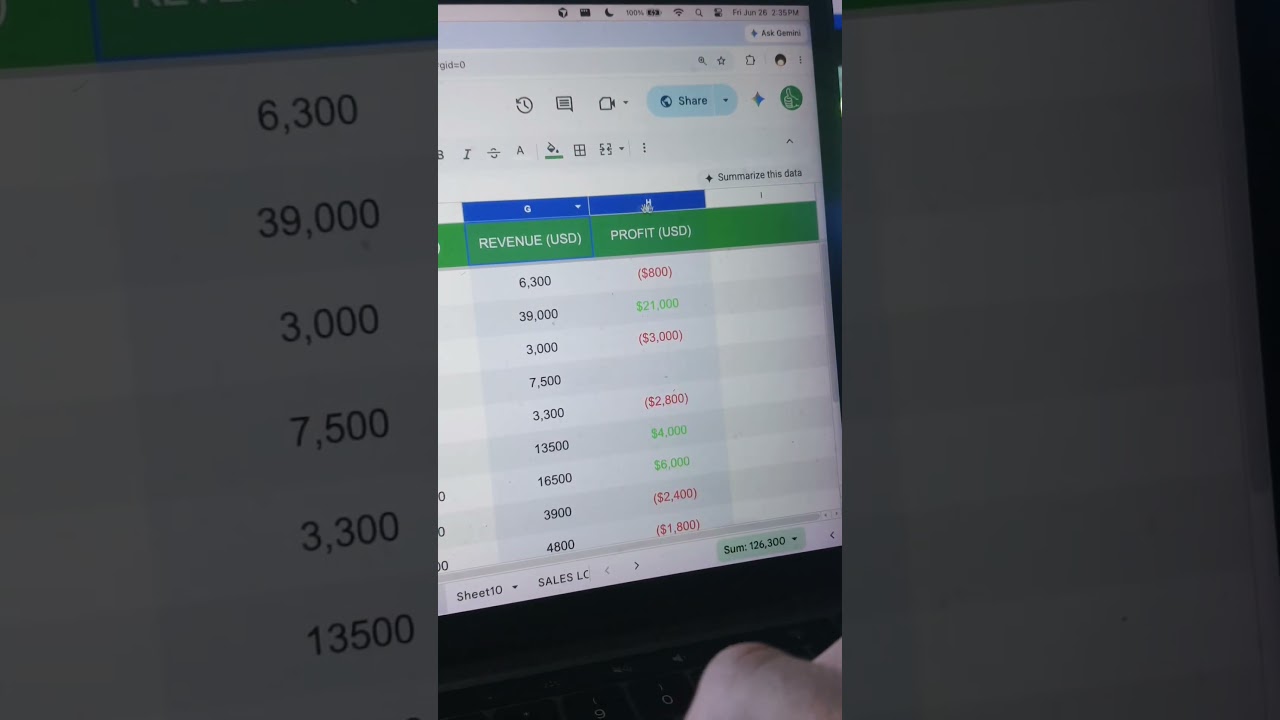
go beyond Z
Discover how Google Sheets can extend beyond the traditional Z column and learn effective techniques to manage your spreadsheet layout.
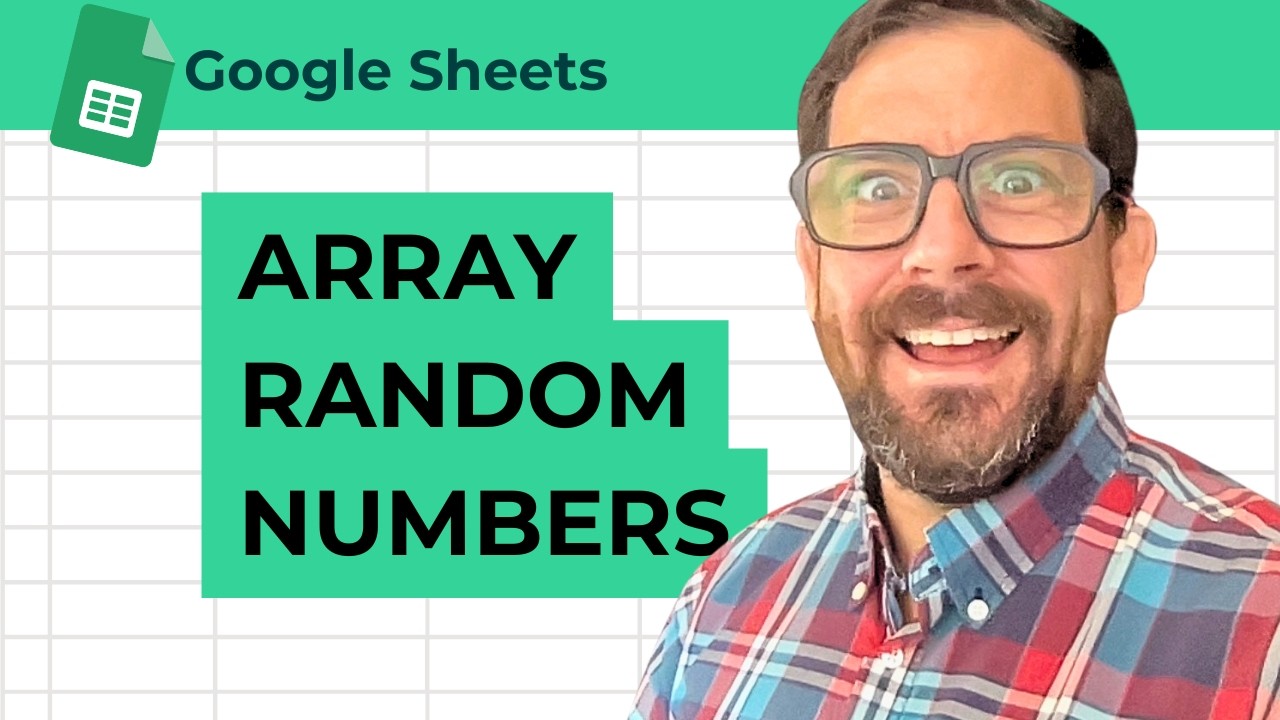
Multiple Random Numbers An Array of Random Numbers
Learn how to generate multiple random numbers in Google Sheets using the RANDARRAY function, allowing you to create arrays of random integers across various ranges effortlessly.

sheet.new
Discover a clever trick for creating new spreadsheets in Google Sheets, even when multiple accounts are signed in. Learn how to streamline your workflow with this simple method.