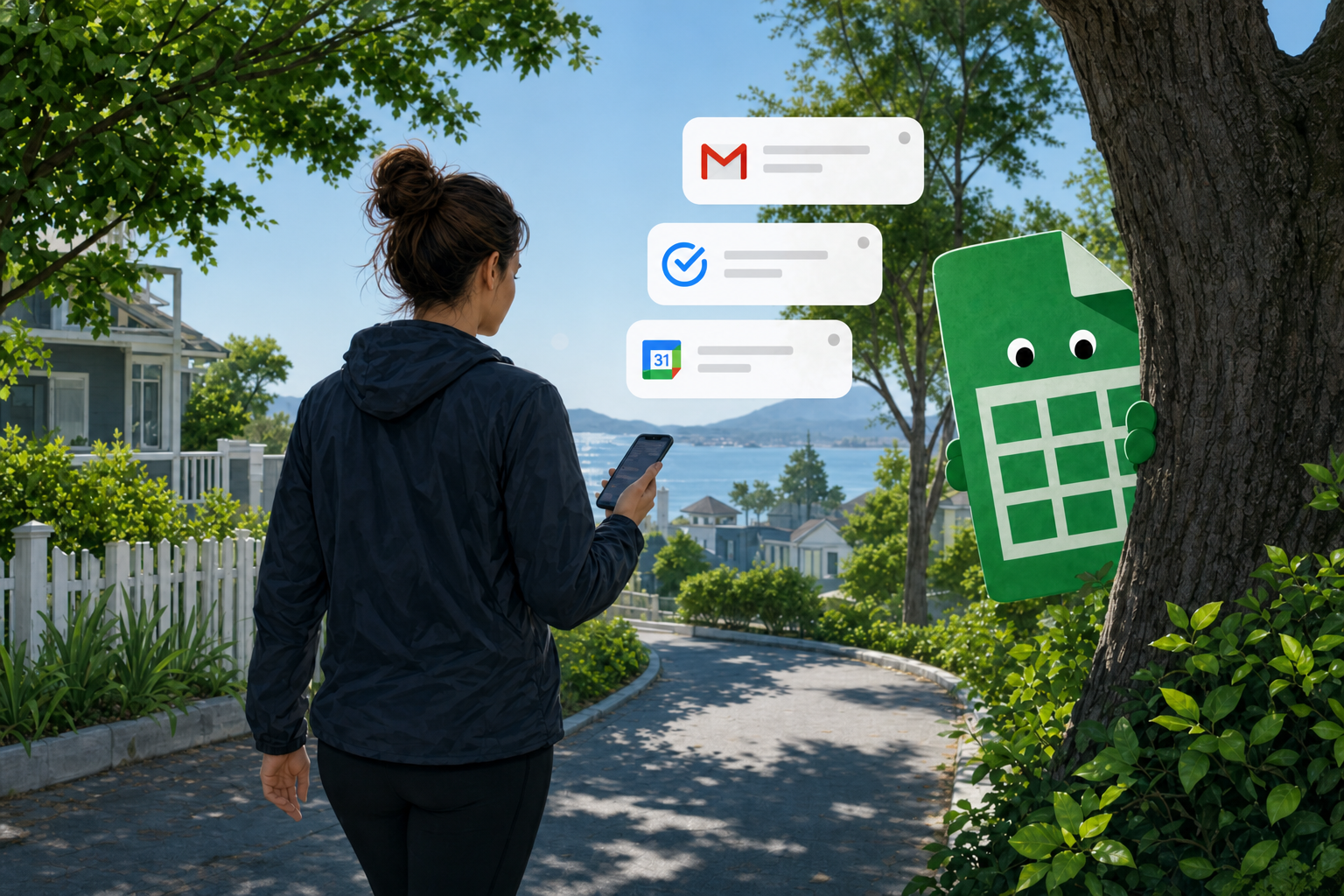
the Ultimate Weight Tracker Template
A Google Sheets template with built-in follow ups, and Apps Script automation to make it super simple to track your weight every day. Integrates with Google Tasks, Google Calendar, and Gmail in clever ways. Copy the sheet. Setup in one click. It starts working.
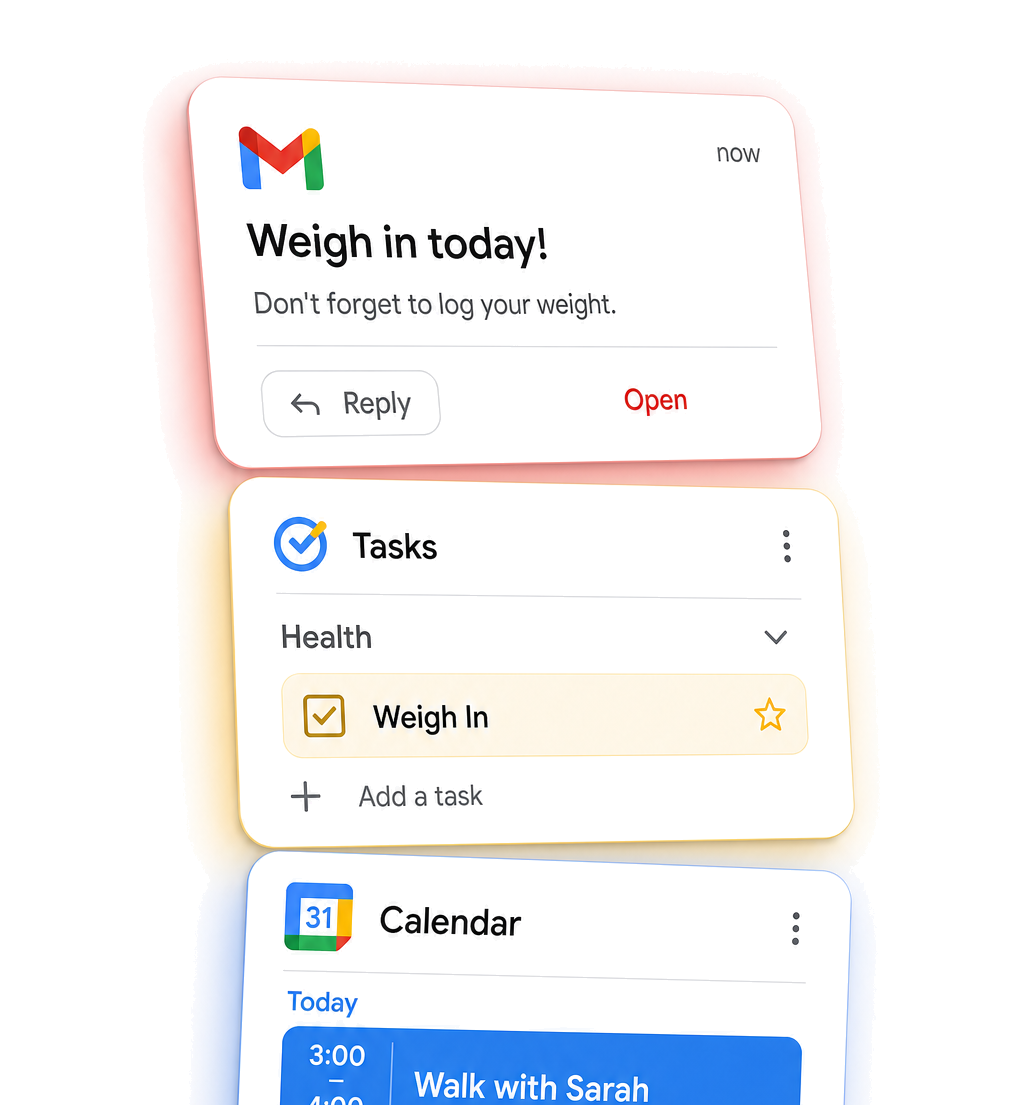
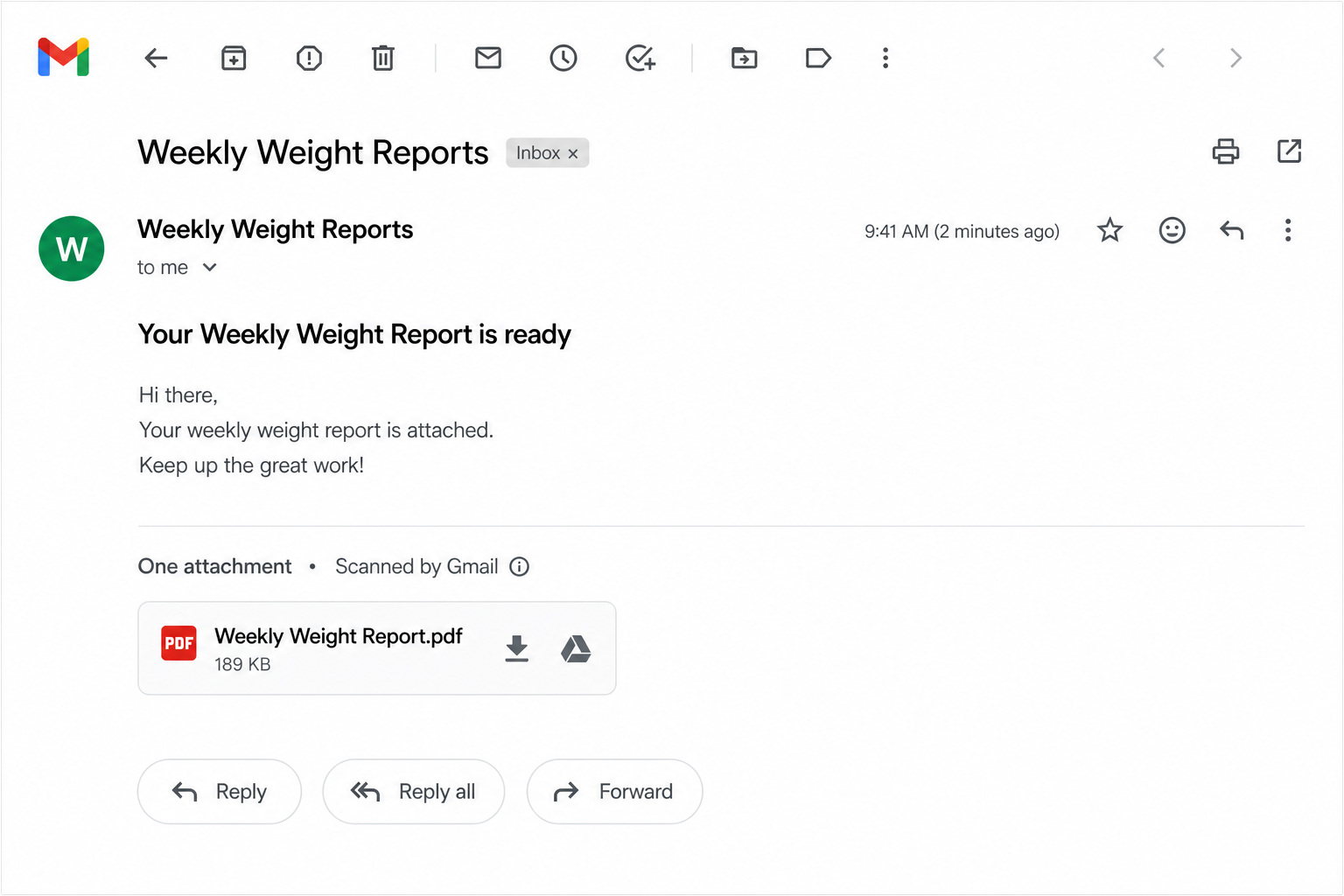
Every day it creates a Google Task, adds it to your Google Calendar, and emails you if you haven't logged your weight. You can even reply to the email with your weight.
You Can't Fail to Lose Weight
This Sheet:
- Reminds you
- Emails you
- Adds Tasks
- Tracks streaks
- Sends reports
- Celebrates milestones
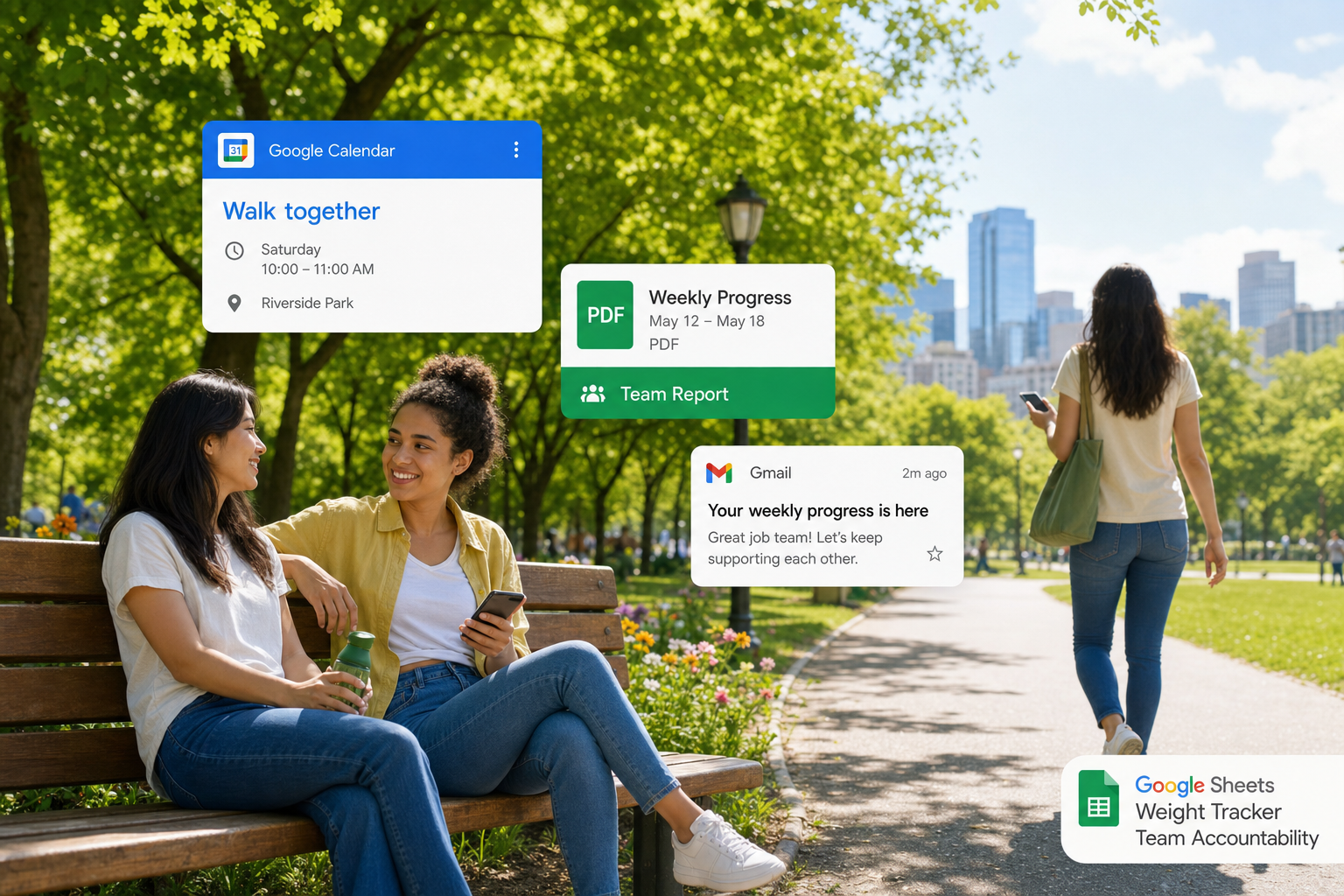
- Invites your friends along
- Empowers you every single day.
Automatic Goal Setting
Sets sensible, realistic goals. You don't ever have to enter a goal. Enter your current weight and done. This spreadsheet always knows your next target. When you hit your goal, it creates the next goal automatically.
Weight trackers fail because you have to remember to use them. This spreadsheet remembers you.
Who it's for
Started tracking weight, but stopped.
Forget to weigh yourself, a day, then for a week.
Lost motivation halfway through, and changed goals.
Wished someone could help keep you accountable.
Wanted a simple system that keeps working.
Less motivation needed, when you have automation.
Get the tracker that follows up
What's included
One-time purchase. Runs in your Google account. No separate app.
One-time purchase on Better Sheets. Sheet copy link on your tool page after unlock.
Common questions
Does this work with a free Google account?
Yes. If you have a Google account, you can use this template. It works with Google Sheets, Gmail, Google Calendar, and Google Tasks.
Is this an app?
No. It's a Google Sheets template with built-in Apps Script automation. Everything runs inside your own Google account.
Where is my data stored?
In your own Google account. Your weight data stays in your Google Sheet, not on our servers.
How do I log my weight?
Open the spreadsheet and enter your weight, or simply reply to the reminder email with your weight (for example: 87.4).
How do the reminders work?
The template automatically creates Google Tasks, adds weigh-ins to your Google Calendar, and emails you if you haven't logged your weight that day.
Why does the template ask to make the sheet public?
Only so you can optionally share your progress with friends and family. Start Weigh Me sets the sheet to anyone with the link can view. Only you can edit it. Disable Automations makes it private again.
Can my friends and family help keep me accountable?
Yes. They can subscribe to your weekly progress reports, and they can even email your tracker to create healthy activities like walks or meal plans that are automatically added to your calendar.
What happens when I reach my goal?
The template automatically suggests your next goal, another 5% lower, so you always have a realistic next milestone.
Is this a subscription?
No. It's a one-time purchase.
Do I need to know Google Sheets?
No. Copy the template, follow the setup video, and you're ready to go.
Can I turn the reminders off?
Yes. You can disable all automations with a single click whenever you want. Choose Disable Automations from the Weigh Me menu.
What units does it use?
The template currently logs and confirms weights in kilograms.
Is this medical advice?
No. This template helps you track your weight and build consistent habits. It does not provide medical, nutrition, or health advice.
Compare free weight tracker templates if you want a simpler starting point.
This template records weight and sends reminders. It does not provide medical or nutrition advice.