Content calendar template in Google Sheets
Plan launches, videos, podcasts, and campaigns on a year-at-a-glance sheet. Edit once, see the whole editorial calendar, print when you need a wall review.
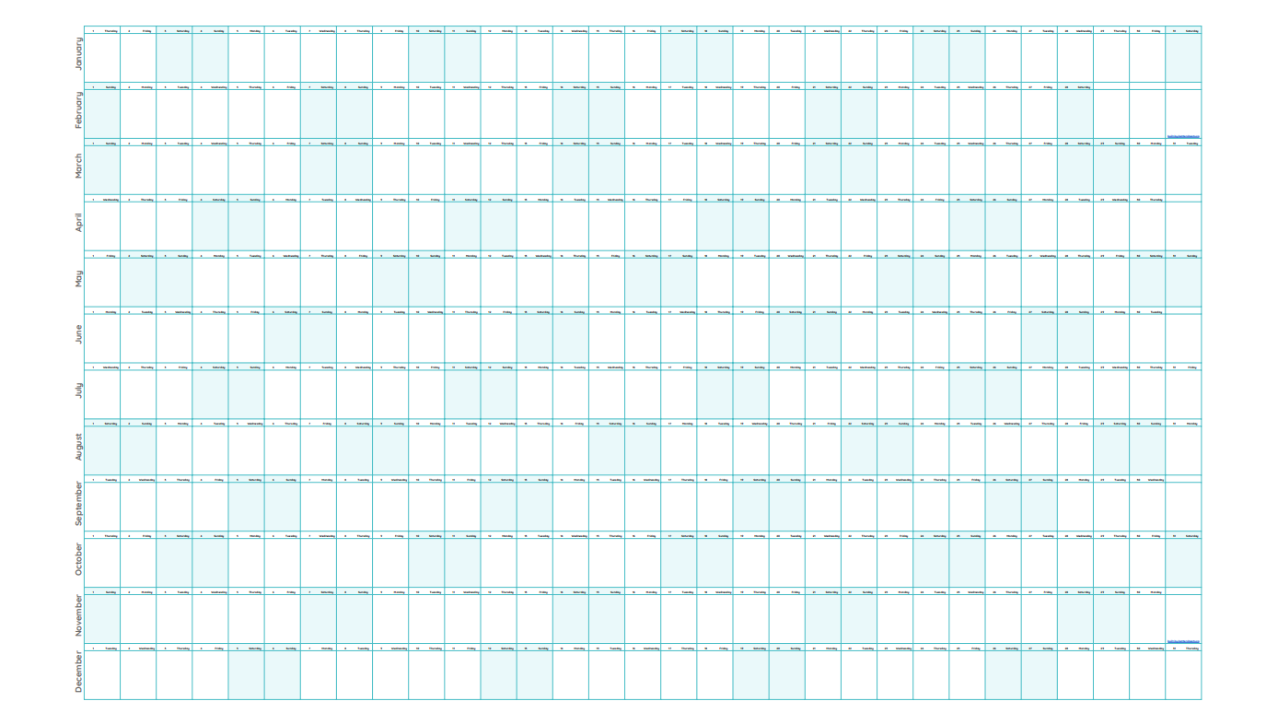
Editorial planning with year context
Content marketers need to see launches, seasonal campaigns, and production deadlines together. Big Year gives you a content calendar template in Google Sheets with the full year on BIG and month detail on Pillar. No isolated month PDF that goes stale after one edit.
- Map Q1 launches against Q4 holiday pushes on one screen
- Color-code content types directly in cells
- Share the editorial calendar with your team in Google Drive
How creators use Big Year
YouTubers block filming weeks, podcasters mark publish days, and operators map OKRs beside content drops. Use CHECK for publishing streaks or daily creation habits.
- Video and podcast publish schedule on the year view
- Campaign sprints visible beside vacations and holidays
- Export PDF for stakeholder reviews or print for your desk
Content calendar vs project management tools
Notion and Asana excel at tasks. Big Year excels at the annual editorial map: when does each series run, when do you go dark, when do holidays change your cadence? Copy free and adapt cells to your workflow.
Related
Common questions
Can I use Big Year as a content calendar?
Yes. Big Year works as an editorial calendar and content planner in Google Sheets. Plan launches, videos, podcasts, and campaigns on the year view or month grids.
Is the content calendar template free?
Yes. Copy Big Year free into Google Drive and customize any layout for your publishing schedule.